Feature

SSH without shared keys or bastion hosts

OpenVLAN SSH authenticates every session against your identity provider and records what happens next.

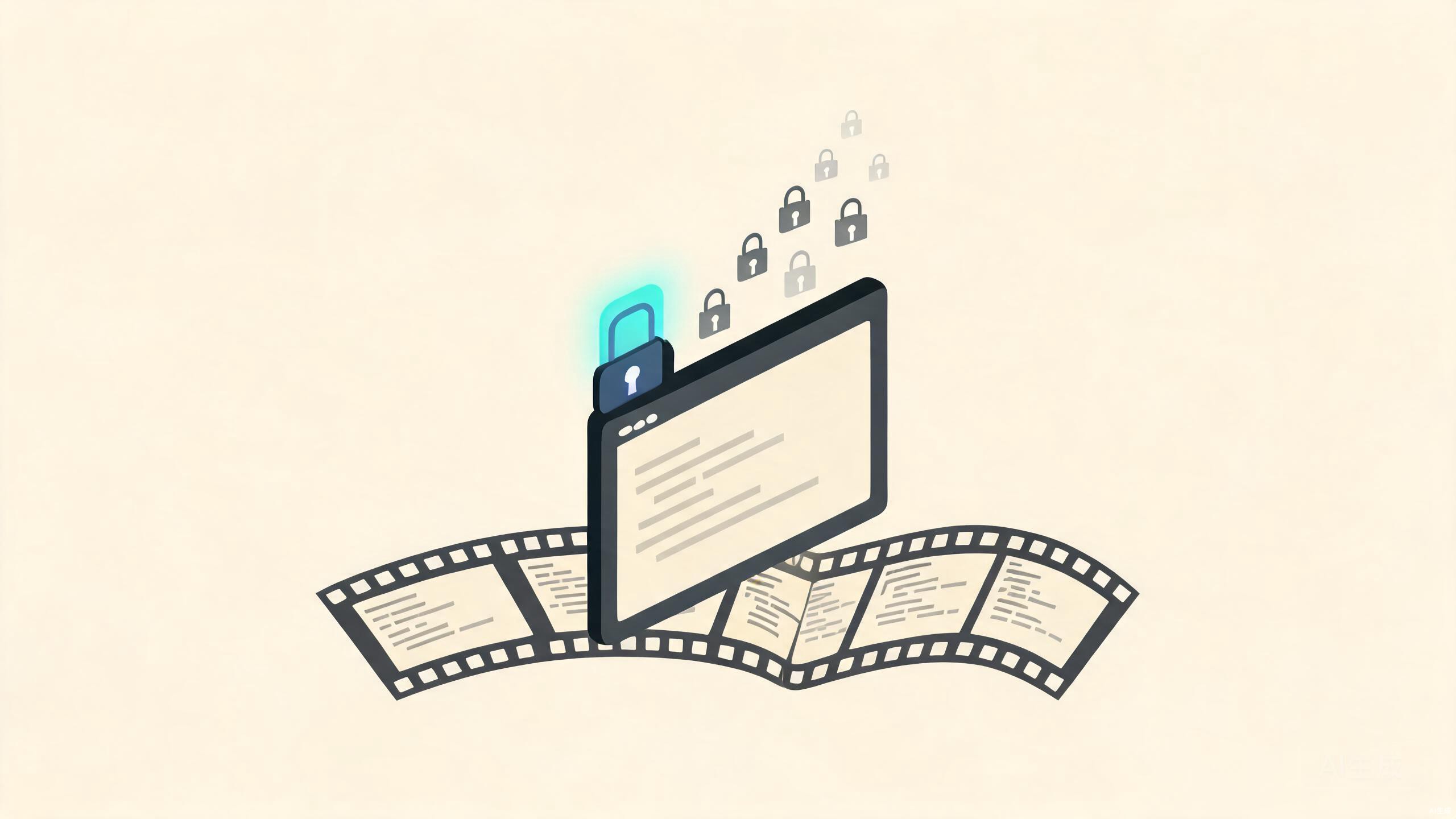
Terminal window unlocked by a glowing identity badge, recording ribbon beneath

How it works

The client intercepts SSH

When you run ssh db-prod, the OpenVLAN client intercepts the connection instead of using your key file.

Your identity does the talking

The tailnet checks your SSO identity, your device, and the ACL for that host. No password, no copied authorized_keys.

The session runs — and records

Enable check mode and every keystroke lands in an asciinema replay your auditors can watch.

What it replaces

Shared root keys become one identity per person, issued and revoked by your IdP. Bastion chains become direct laptop-to-host sessions with nothing to rotate. And manual audit screenshots become a side effect: enable check mode and every keystroke lands in an asciinema replay your auditors can watch.

ssh sessions — today
mei@corpssh db-prod · recorded00:12:04ACTIVE
oncallssh web-1 · jit 4hexpires 19:40ACTIVE
acme:vendorssh stage-1 · scopedexpires FriSCOPED
root (shared)legacy keyrotated outREVOKED
Identities, not keys — offboarding kills access in seconds.

Try it now

# enable on a server — that's the whole setup
$ openvlan up --ssh
 
# from your laptop, same command as always
$ ssh db-prod
Welcome! Session recorded per ACL policy.
 
# replay any session later from the admin console
$ openvlan ssh replay --session 8f3a2c

See privileged access suite →

Questions teams always ask

Does it change how I type SSH?
No. Same ssh user@host muscle memory — including Tab completion of host names taken straight from your ACL.
What if my identity provider is down?
Sessions check in periodically, not per keystroke. Active shells survive a brief outage; new ones queue until SSO returns.
Can I keep my own keys too?
Yes. OpenVLAN SSH and classic keys coexist, so migrations are gradual — per host, per team, at your pace.
Does recording slow sessions down?
No. Capture happens asynchronously on the host; the terminal experience is indistinguishable from plain SSH.
Who can watch a replay?
Whoever your policy allows — typically the security team and the session's owner. Replays stream to your SIEM like any other log source.

SSH that auditors and developers agree on

Same command your team already types. Completely different security posture.